Surfer SEO Review
OtherAn AI-powered SEO optimization tool. Provides data-driven support for content creation and optimization to achieve higher search rankings.
Editor's Verdict
Surfer SEO earns a 4.2/5 rating as one of the more capable options in the other space. Its standout strength — scientific seo optimization based on top-ranking page data — makes it particularly valuable when that capability matters most to your workflow. The main trade-off is starting at $89/mo, expensive for individual bloggers, which is worth weighing against the alternatives before committing. If that trade-off fits your use case, the paid plans offer a predictable monthly cost that scales with team size.
Table of Contents
What is Surfer SEO?
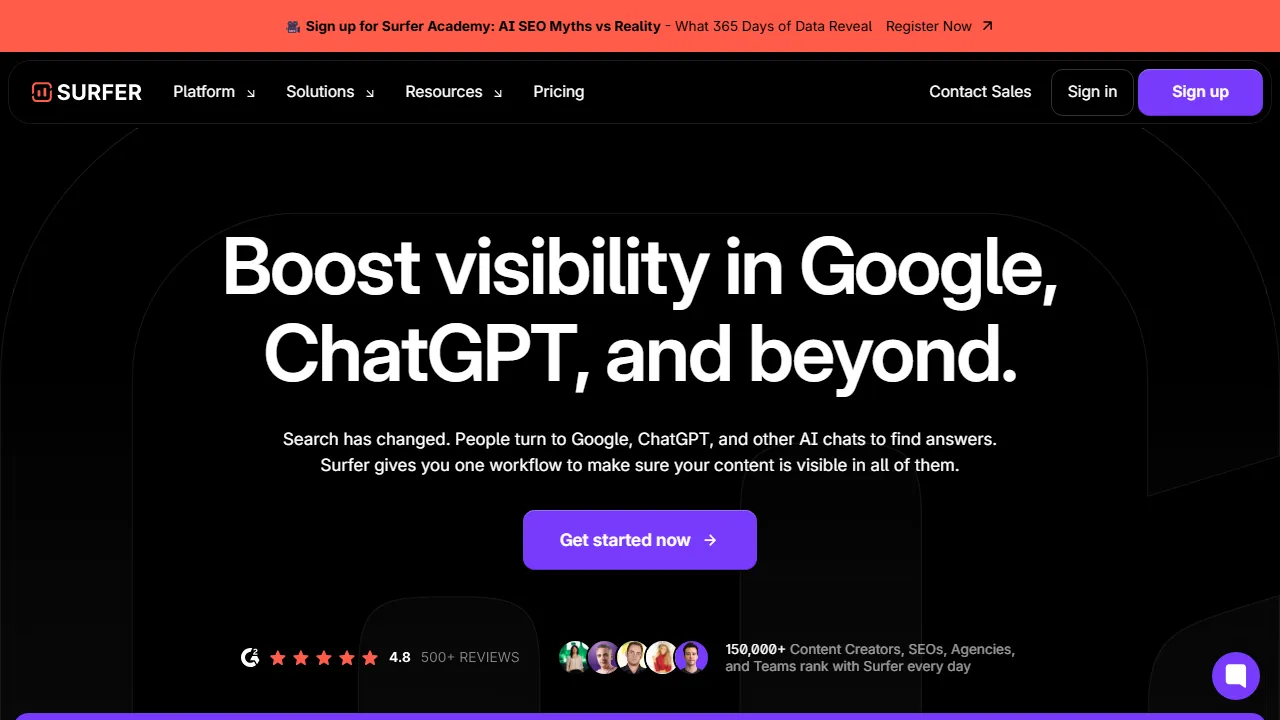
Surfer SEO is a platform that leverages AI and data analysis to support SEO (search engine optimization). Based on analysis of top-ranking pages, it provides real-time suggestions for optimal content structure, keyword placement, and word count. The Content Editor lets you create articles for target keywords while scoring them in real time, visualizing the elements needed for high search rankings. The AI article generation feature (Surfer AI) automatically generates SEO-optimized articles from keywords. The SERP Analyzer provides detailed analysis of competitor top-ranking pages, and the Audit feature identifies improvement opportunities in existing content. It integrates well with Jasper AI, Google Docs, and WordPress, fitting seamlessly into existing content production workflows.
Who is Surfer SEO for?
Surfer SEO is best suited for content marketers, SEO specialists, and website owners who want to improve organic visibility. With premium pricing, it targets power users and teams that require advanced capabilities. The breadth of features (6+) — including Content Editor (real-time SEO scoring) and Surfer AI (automated SEO-optimized article generation) — means you rarely need to switch to another tool for related tasks. Users frequently highlight one specific strength: scientific seo optimization based on top-ranking page data.
Pricing plans & value for money
Surfer SEO offers the following plans. Prices reflect the latest available information at the time of review and may change; always confirm on the official site before purchasing.
Key features & capabilities
Here is what Surfer SEO brings to the table, ranked roughly by how central each capability is to the product experience.
Pros and cons
After evaluating Surfer SEO against the rest of the other field, these are the trade-offs that stood out in day-to-day use.
What we liked
- ●Scientific SEO optimization based on top-ranking page data
- ●Real-time content scoring in the Content Editor
- ●Automatic SEO-optimized article generation with Surfer AI
- ●Powerful competitor analysis (SERP Analyzer)
- ●Rich integrations with Jasper AI, Google Docs, WordPress, and more
What could be better
- ●Starting at $89/mo, expensive for individual bloggers
- ●Japanese keyword analysis accuracy is limited compared to English
- ●Steep learning curve (many features)
How to get started with Surfer SEO
A practical, five-step path we recommend for anyone evaluating Surfer SEO for the first time — designed to minimise wasted time and help you decide fast.
1Sign up for Surfer SEO
Head to the official Surfer SEO website and create an account. Most paid plans offer a trial or money-back window — check the pricing page before committing.
2Set up your workspace
Install the app on web if a native client is available, or simply open it in your browser. Configure basic preferences such as language, notifications, and default output style so that subsequent runs feel consistent.
3Run your first task with Content Editor (real-time SEO scoring)
Start with a small, low-stakes task to understand how Surfer SEO responds. Write a clear prompt or input, review the output, and iterate. This low-risk exploration is the fastest way to build intuition for what the tool excels at.
4Integrate into your daily workflow
Once you know its strengths, introduce Surfer SEO into one concrete workflow — not ten. Replace one existing step with it and measure the time saved or quality gained over a week before expanding usage further.
5Upgrade based on real usage
Rather than upgrading upfront, monitor which limits you actually hit (message count, output length, export features). Upgrade only when a specific limit blocks your productivity, not because the higher plan looks more attractive on paper.
Best Surfer SEO alternatives
Not sure Surfer SEO is the right fit? These comparable tools in the other space are worth considering depending on your priorities.
Clearscope
An SEO content optimization tool. Analyzes top-ranking pages and suggests optimal keyword placement.
Offers a comparable editorial rating at a higher price point. Best if you want intuitive seo scoring.
Rankability
A content optimization platform for both traditional SEO and AI search (AEO).
Offers a comparable editorial rating at a higher price point. Best if you want ai search (aeo) support for future-proof strategy.
SE Ranking
Cost-effective all-in-one SEO tool. Offers AI-powered content editor, keyword analysis, and competitive analysis at an affordable price.
Offers a comparable editorial rating and a more affordable entry point. Best if you want affordable pricing compared to similar-tier seo tools.
Frequently asked questions
Is Surfer SEO free to use?+
There is no free plan, but a 7-day money-back guarantee is available. The most affordable Essential plan is $89/mo.
Does Surfer SEO support Japanese?+
It supports Japanese keyword analysis and content optimization, though accuracy may be slightly lower compared to English. It is actively used in the Japanese SEO market.
How does Surfer SEO differ from Jasper AI?+
Surfer SEO specializes in SEO data analysis and content optimization, while Jasper AI specializes in marketing content generation. Using them together enables efficient production of high-quality, SEO-optimized content.
Ready to try Surfer SEO?
Visit the official site to review current pricing and plans.
Visit Surfer SEO →More Other Tools
Ahrefs
One of the world's largest SEO analysis tools. AI-powered keyword research, backlink analysis, and content optimization to improve search rankings.
SE Ranking
Cost-effective all-in-one SEO tool. Offers AI-powered content editor, keyword analysis, and competitive analysis at an affordable price.
Semrush AI
One of the world's largest SEO tools with integrated AI features. From keyword research to article generation.
Clearscope
An SEO content optimization tool. Analyzes top-ranking pages and suggests optimal keyword placement.
NeuronWriter
NLP-driven SEO content creation tool. Analyzes the semantic structure of top-ranking Google pages.
MarketMuse
An AI-powered topic authority analysis and content strategy planning tool. Supports site-wide SEO optimization.
Reviewed by: AIpedia Editorial Team · Last updated: October 26, 2026 · Methodology: How we test & rate
This review reflects our editorial opinion based on hands-on testing, pricing verification, and cross-referencing with official documentation. We do not accept payment in exchange for favourable reviews. Read our full editorial policy.