CrewAI Review
AI AgentsA framework where multiple AI agents collaborate as a team. Role-assigned AI agents work together to execute complex tasks.
Editor's Verdict
CrewAI earns a 4.2/5 rating as one of the more capable options in the ai agents space. Its standout strength — unique architecture enabling multi-agent team collaboration — makes it particularly valuable when that capability matters most to your workflow. The main trade-off is python knowledge required (open-source version), which is worth weighing against the alternatives before committing. Because the free plan lets you validate fit without risk, there is very little downside to testing it first.
Table of Contents
What is CrewAI?
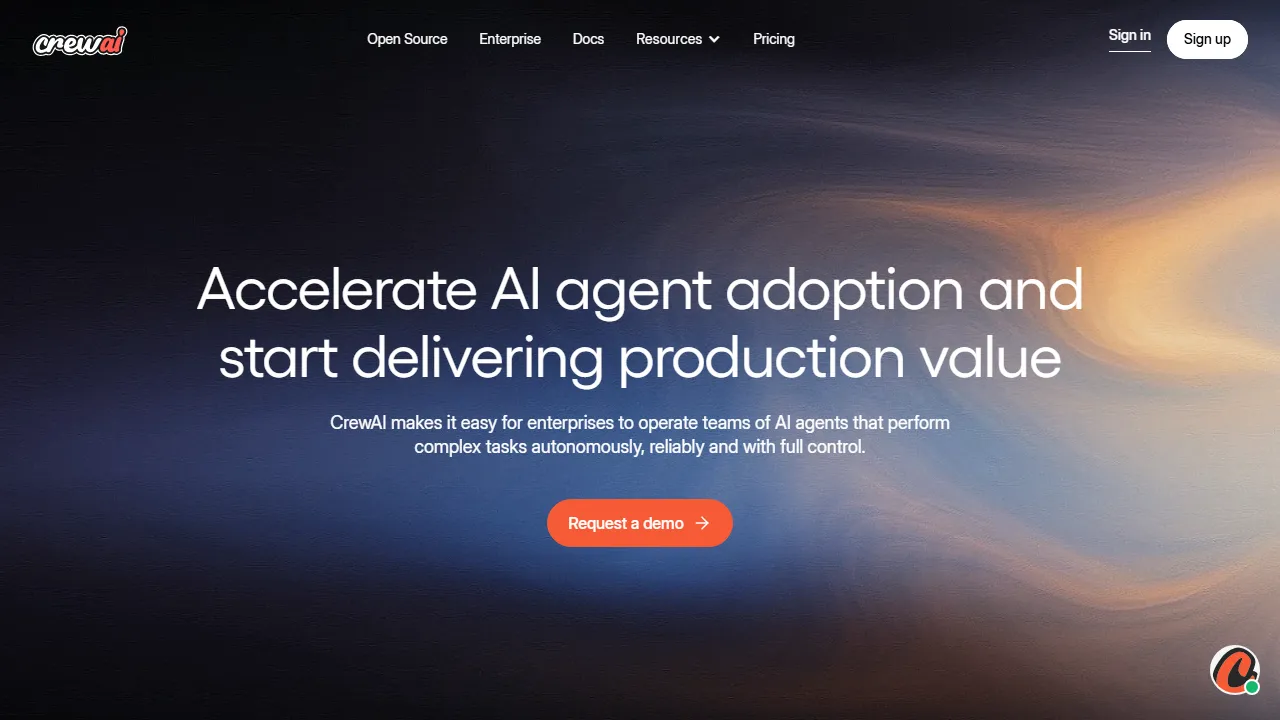
CrewAI is an orchestration framework where multiple AI agents collaborate as a team (Crew). Each agent is assigned a role such as 'Researcher,' 'Writer,' or 'Editor,' and they cooperate with specialized expertise to execute complex tasks. Provided as a Python-based framework, it integrates with various LLMs including LangChain, OpenAI, and Anthropic. Multi-agent teams can accomplish complex workflows that would be difficult for a single AI, such as creating research reports, building content pipelines, automating data collection and analysis, and managing code development projects. The CrewAI Enterprise edition offers a no-code UI builder, enabling non-technical users to build multi-agent workflows.
Who is CrewAI for?
CrewAI is best suited for power users and technical teams who want autonomous AI workflows handling multi-step tasks. Its free plan lowers the barrier to entry, making it easy to evaluate before committing. The breadth of features (6+) — including Multi-agent collaboration framework and Role-based agent design — means you rarely need to switch to another tool for related tasks. Users frequently highlight one specific strength: unique architecture enabling multi-agent team collaboration.
Pricing plans & value for money
CrewAI offers the following plans. Prices reflect the latest available information at the time of review and may change; always confirm on the official site before purchasing.
Key features & capabilities
Here is what CrewAI brings to the table, ranked roughly by how central each capability is to the product experience.
Pros and cons
After evaluating CrewAI against the rest of the ai agents field, these are the trade-offs that stood out in day-to-day use.
What we liked
- ●Unique architecture enabling multi-agent team collaboration
- ●Each agent can be configured with role, goal, and backstory
- ●Flexible customization with Python-based framework
- ●Supports multiple LLMs including OpenAI, Anthropic, and Google
- ●Open source for free use and extension
What could be better
- ●Python knowledge required (open-source version)
- ●Designing multi-agent systems requires AI experience
- ●Costs can add up quickly with multiple LLM API fees
How to get started with CrewAI
A practical, five-step path we recommend for anyone evaluating CrewAI for the first time — designed to minimise wasted time and help you decide fast.
1Sign up for CrewAI
Head to the official CrewAI website and create an account. You can start with the free plan without entering payment details, which is ideal for testing how it fits your workflow.
2Set up your workspace
Install the app on python if a native client is available, or simply open it in your browser. Configure basic preferences such as language, notifications, and default output style so that subsequent runs feel consistent.
3Run your first task with Multi-agent collaboration framework
Start with a small, low-stakes task to understand how CrewAI responds. Write a clear prompt or input, review the output, and iterate. This low-risk exploration is the fastest way to build intuition for what the tool excels at.
4Integrate into your daily workflow
Once you know its strengths, introduce CrewAI into one concrete workflow — not ten. Replace one existing step with it and measure the time saved or quality gained over a week before expanding usage further.
5Upgrade based on real usage
Rather than upgrading upfront, monitor which limits you actually hit (message count, output length, export features). Upgrade only when a specific limit blocks your productivity, not because the higher plan looks more attractive on paper.
Best CrewAI alternatives
Not sure CrewAI is the right fit? These comparable tools in the ai agents space are worth considering depending on your priorities.
Voiceflow
A no-code platform for designing and building chat and voice AI agents. Features team collaboration and advanced knowledge base management.
Offers a comparable editorial rating and a more affordable entry point. Best if you want intuitive canvas editor for visual conversation flow design.
OpenAI Assistants
OpenAI's API for building AI agents. Develop custom AI assistants with powerful tools.
Offers a comparable editorial rating and a more affordable entry point. Best if you want highly customizable.
Dify
An open-source AI agent building platform. Build LLM applications and AI workflows with no code required.
Offers a comparable editorial rating and a more affordable entry point. Best if you want build ai agents and workflows with no code.
Frequently asked questions
Is CrewAI free to use?+
The open-source version is completely free. CrewAI Enterprise offers a Free plan and paid plans starting at Business ($299/month).
How does it differ from AutoGPT and Dify?+
CrewAI specializes in multi-agent 'collaboration,' where multiple AI agents work as a team with assigned roles. AutoGPT focuses on single-agent autonomous execution, while Dify is a platform for building conversational AI apps.
Can it be used without programming?+
The CrewAI Enterprise edition provides a no-code UI builder for building multi-agent workflows without programming. The open-source version requires Python knowledge.
Ready to try CrewAI?
Start with the free plan — no credit card required.
Start with CrewAI →More AI Agents Tools
Dify
An open-source AI agent building platform. Build LLM applications and AI workflows with no code required.
AutoGPT
A pioneering open-source autonomous AI agent project. Set a goal and the AI autonomously breaks down and executes tasks to automate complex workflows.
LangChain
An open-source framework for building AI agents powered by LLMs. Features extensive integrations and multi-agent support via LangGraph.
Flowise
An open-source visual builder for creating AI agents and LLM flows with no code. Build intuitively with drag-and-drop.
Botpress
A platform for visually building AI chatbots and agents. Pay-as-you-go pricing enables easy small-scale starts.
Voiceflow
A no-code platform for designing and building chat and voice AI agents. Features team collaboration and advanced knowledge base management.
Reviewed by: AIpedia Editorial Team · Last updated: October 26, 2026 · Methodology: How we test & rate
This review reflects our editorial opinion based on hands-on testing, pricing verification, and cross-referencing with official documentation. We do not accept payment in exchange for favourable reviews. Read our full editorial policy.